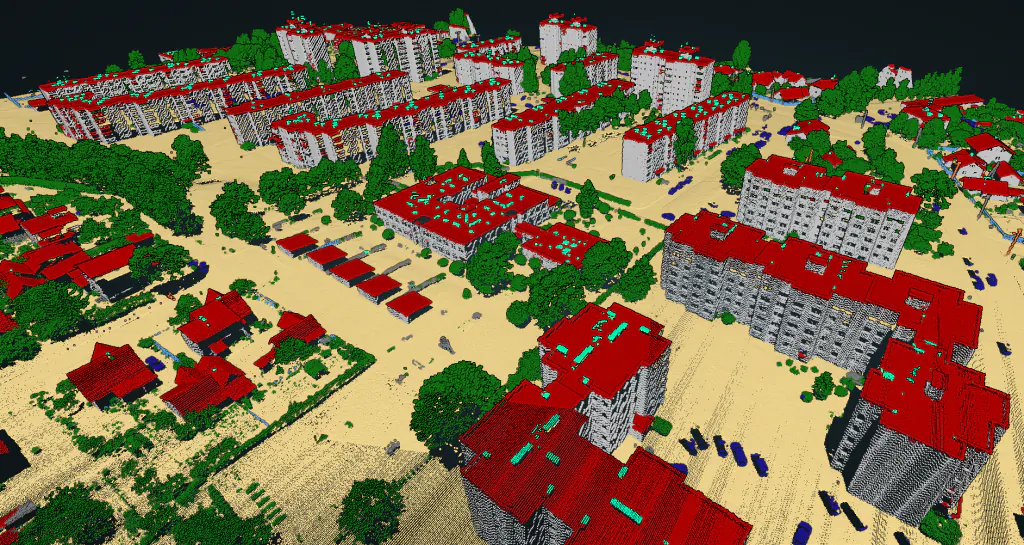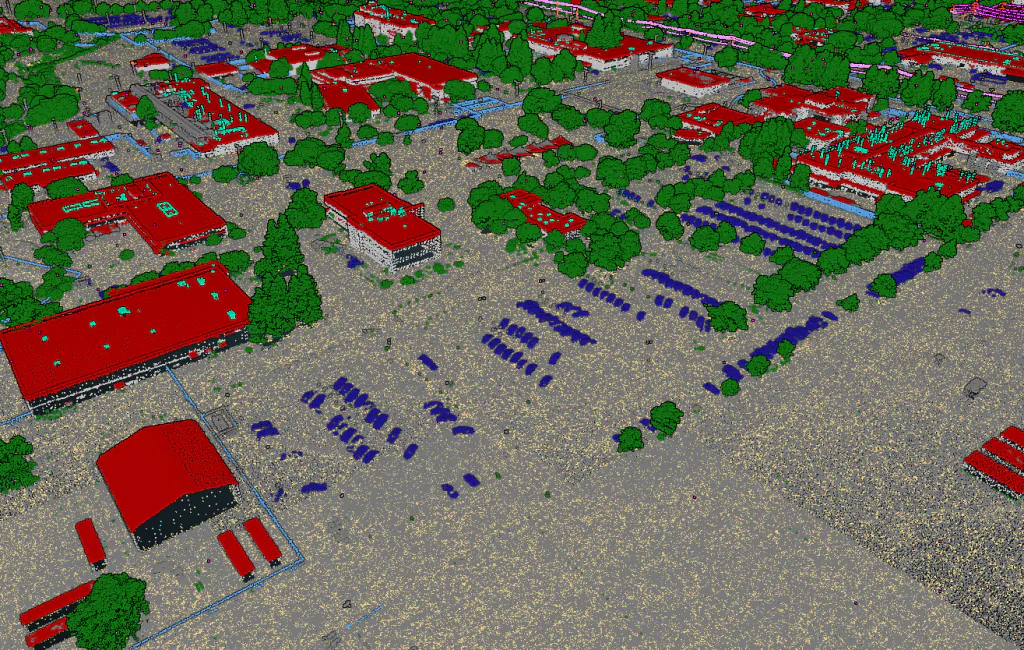
Each use case has its own exceptions and requirements. Therefore we let you define the processing flow to best fit your project-specific needs. Workflow is defined through an easy to use drag and drop interface. Different point cloud writers, readers, and operators are available. Once the flow is defined, the processing is done automatically and you only need to wait for results. No waking up in the middle of the night to start the next stage!
Each step of the flow has additional parameters to further fine-tune the processing. For example, you are able to define how the filtering of the point cloud is done.
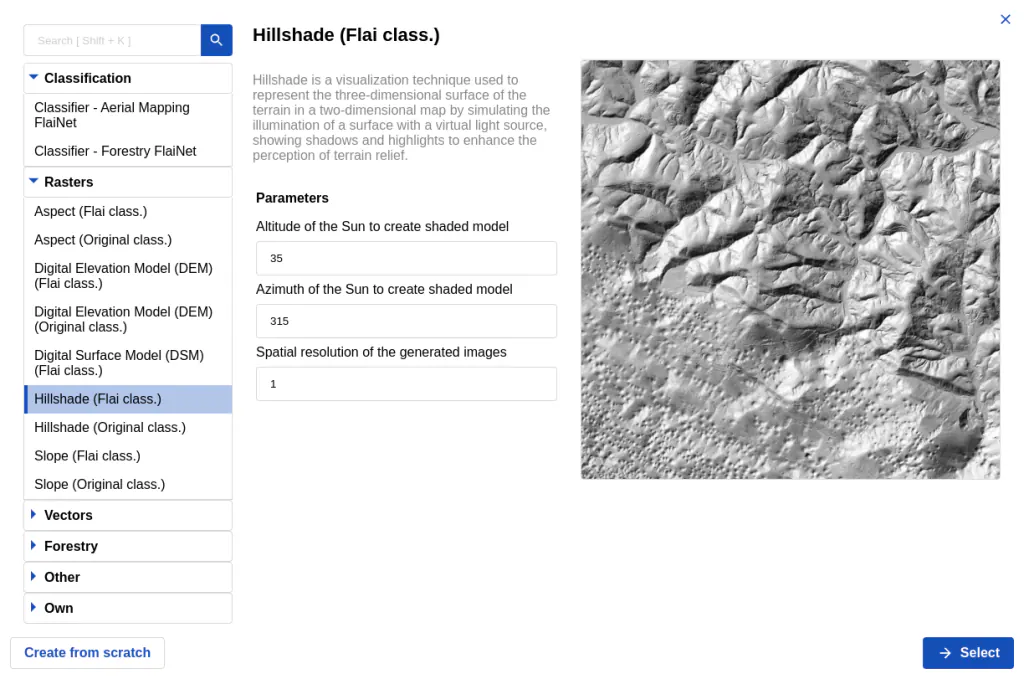
Define a flow with the following commands
- ✓ Readers (Point cloud, raster, vector)
- ✓ Point cloud Semantic segmentation AI (4 different classification models)
- ✓ Raster operations (DEM, DSM, Hillshade)
- ✓ Vector operations (vectorization, contours)
- ✓ LOD2 building models
- ✓ Forestry products (canopies, treetops and tree trunks)
- ✓ Point cloud filtering
- ✓ Writers (point cloud, vector, raster)
Processing flows in action
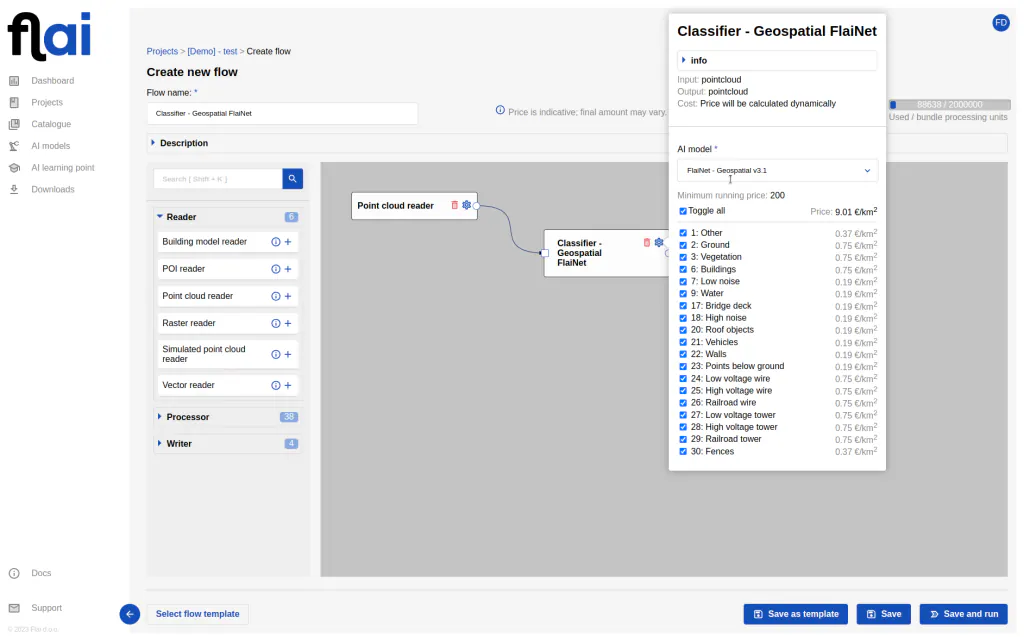
Processing flows
Define a processing flow that best suits project requirements.
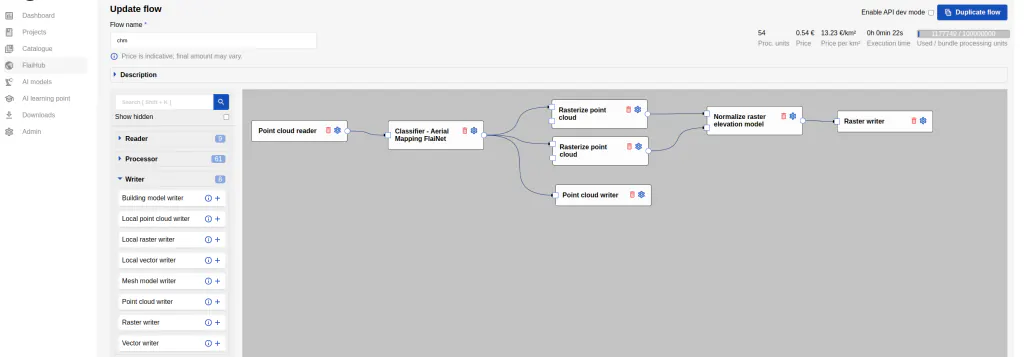
Define processing flow
In this example, we create the custom classification and a DEM raster.
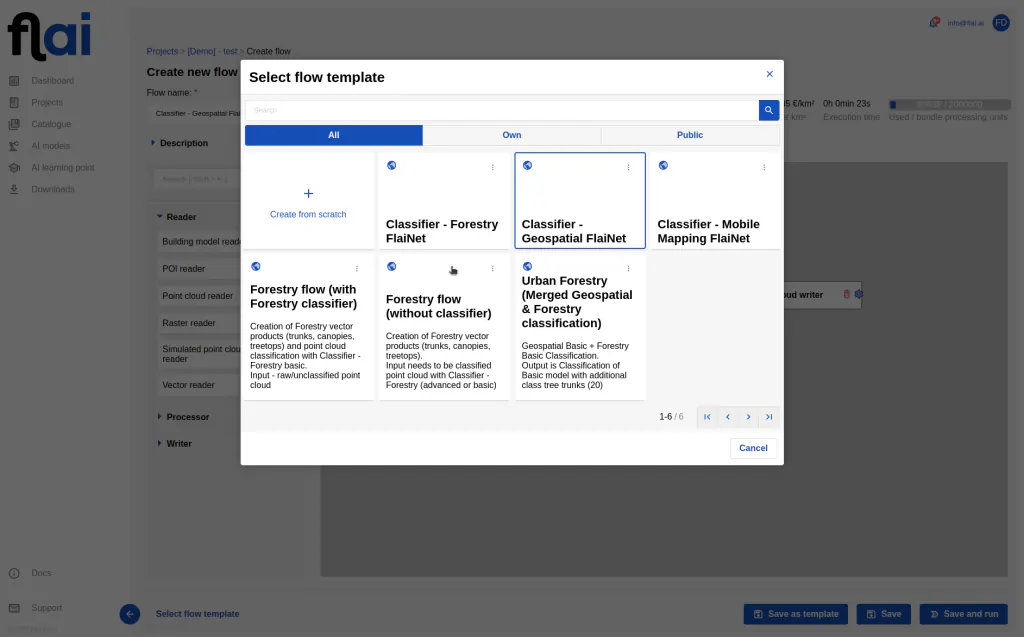
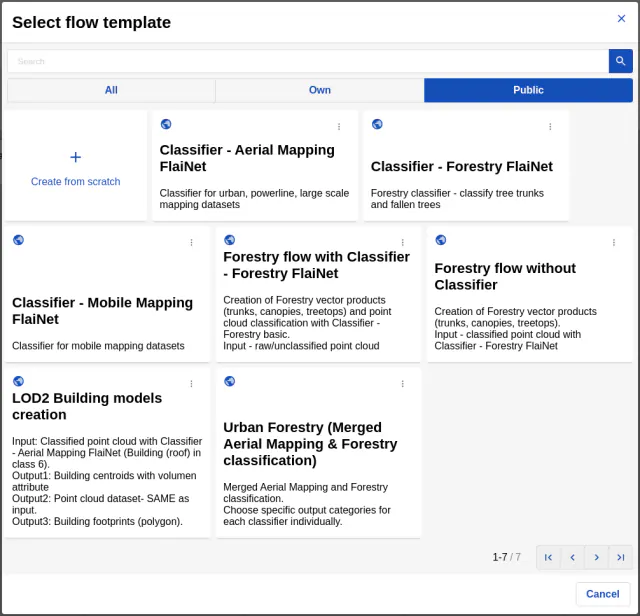
Flow templates
To enhance your experience, we provide a variety of predefined flow templates. You also have the option to save your custom flow as a template.